
Inventory Management for Android

Craze – Inventory Management

Inventory tracking from purchase through sale.

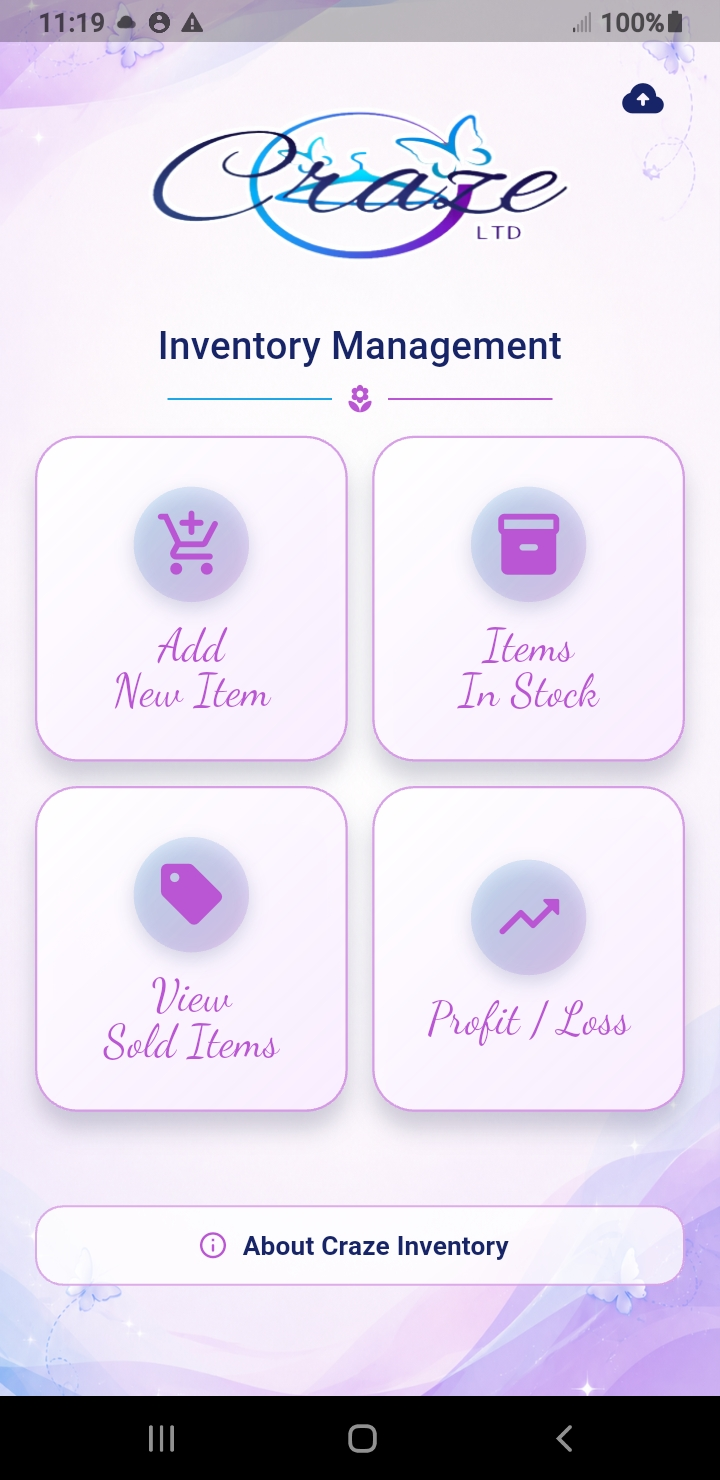
Current Craze Inventory Management dashboard
Craze – Inventory Management

Inventory tracking from purchase through sale

Keep your inventory and numbers organized.

A simple, organized way to manage inventory from purchase through sale. Track what you paid, additional expenses, asking prices, completed sales, and actual profit or loss—all while keeping your inventory data stored locally on your device.

InventoryTrack Stock
SalesRecord Results
Profit & LossKnow Your Numbers
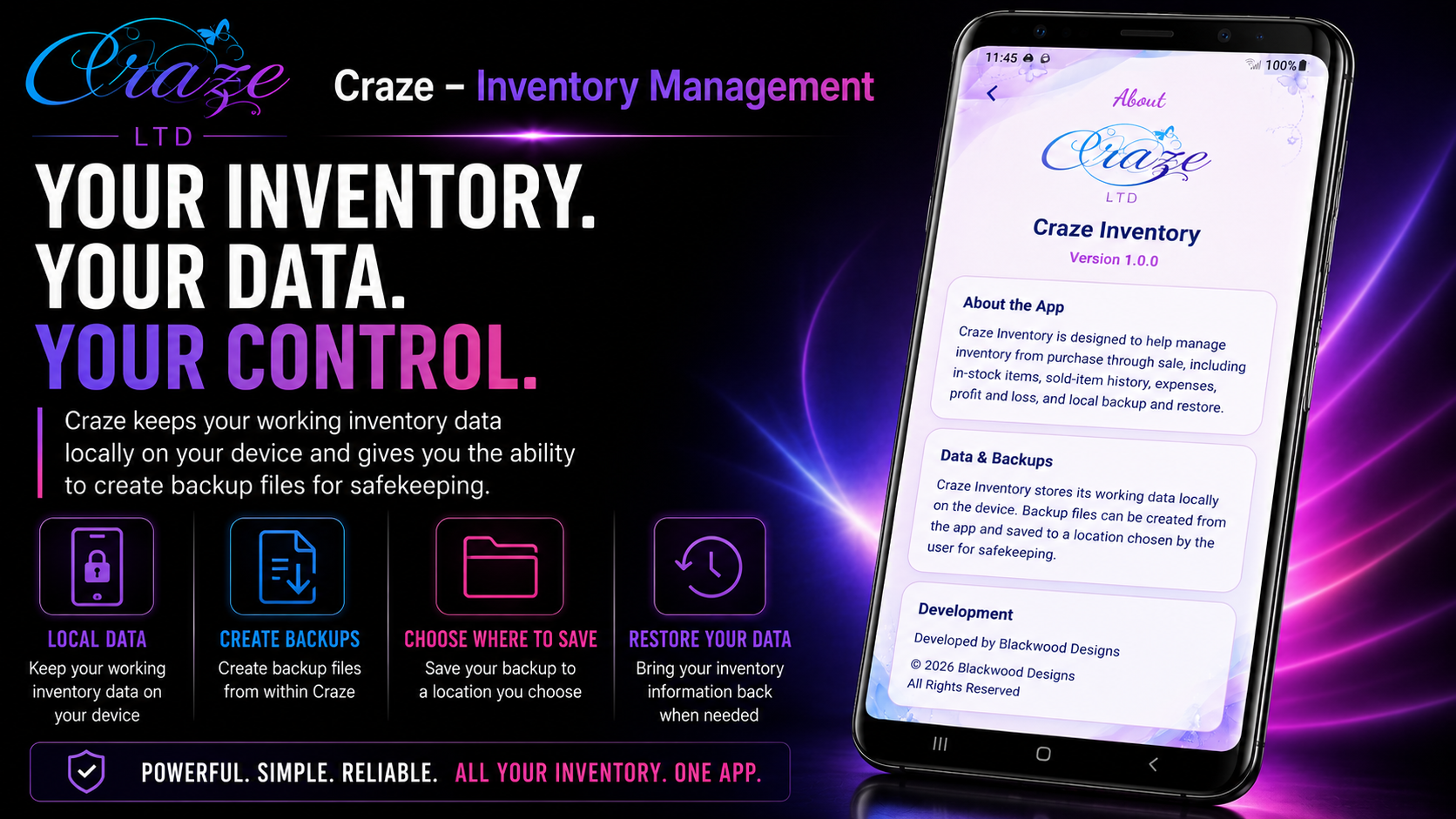
Local Data & BackupsOn Your Device
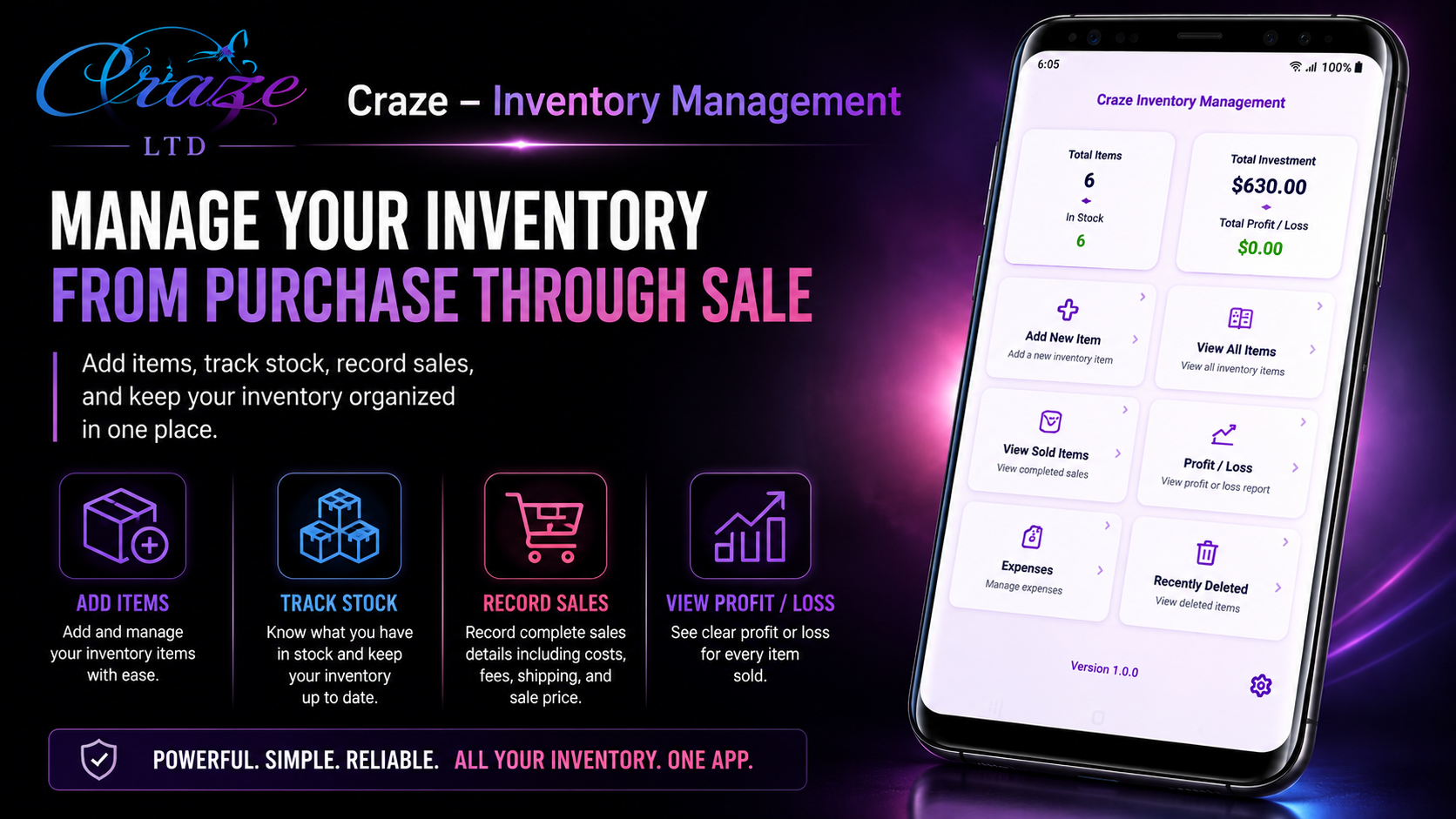
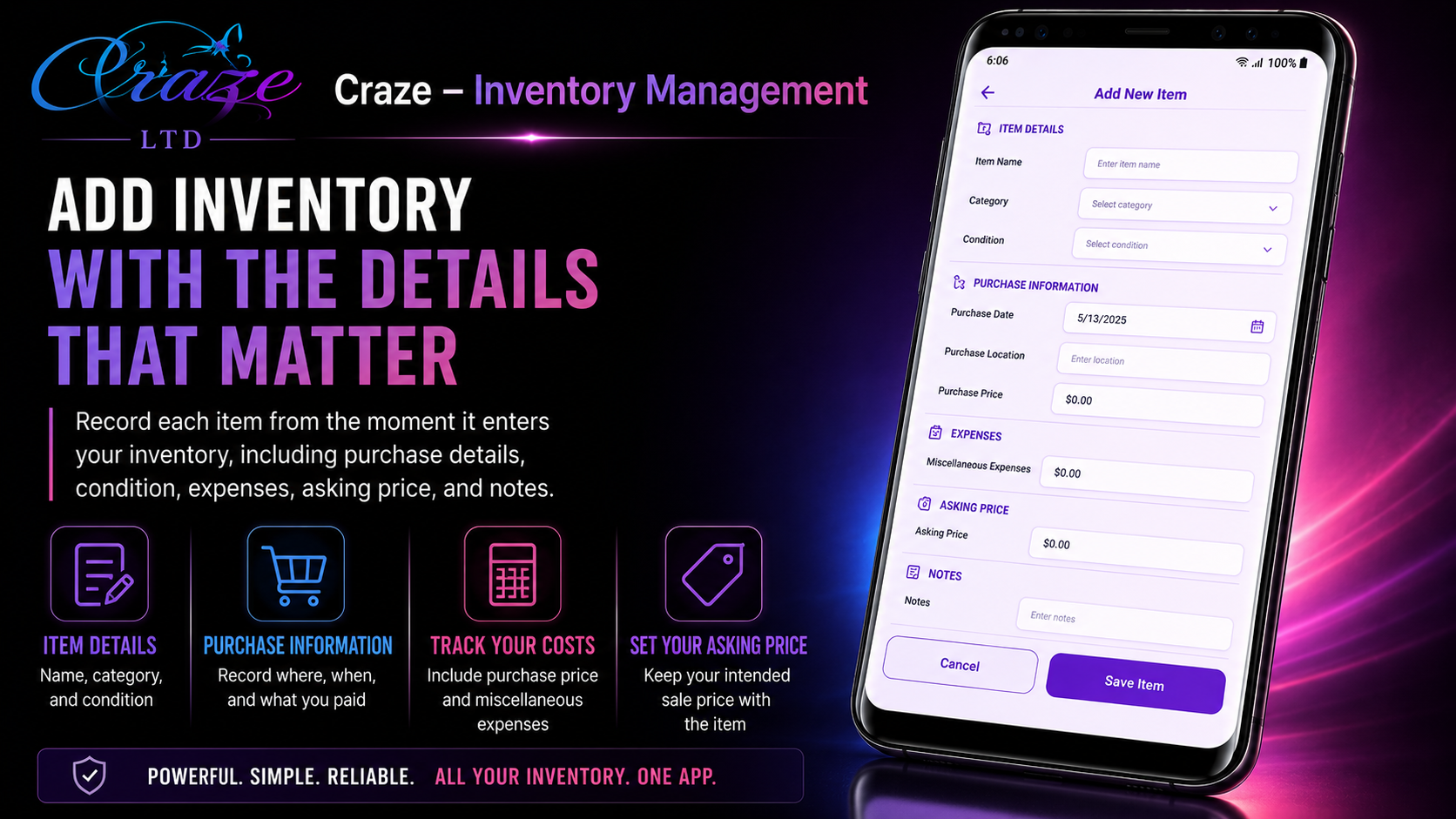
Inside Craze – Inventory Management

Built around the inventory work you do every day.

Built for everyday inventory work

From purchase to final sale.

Track

Keep current inventory organized with purchase details, condition, category, investment, asking price, photos, and notes.

Sell

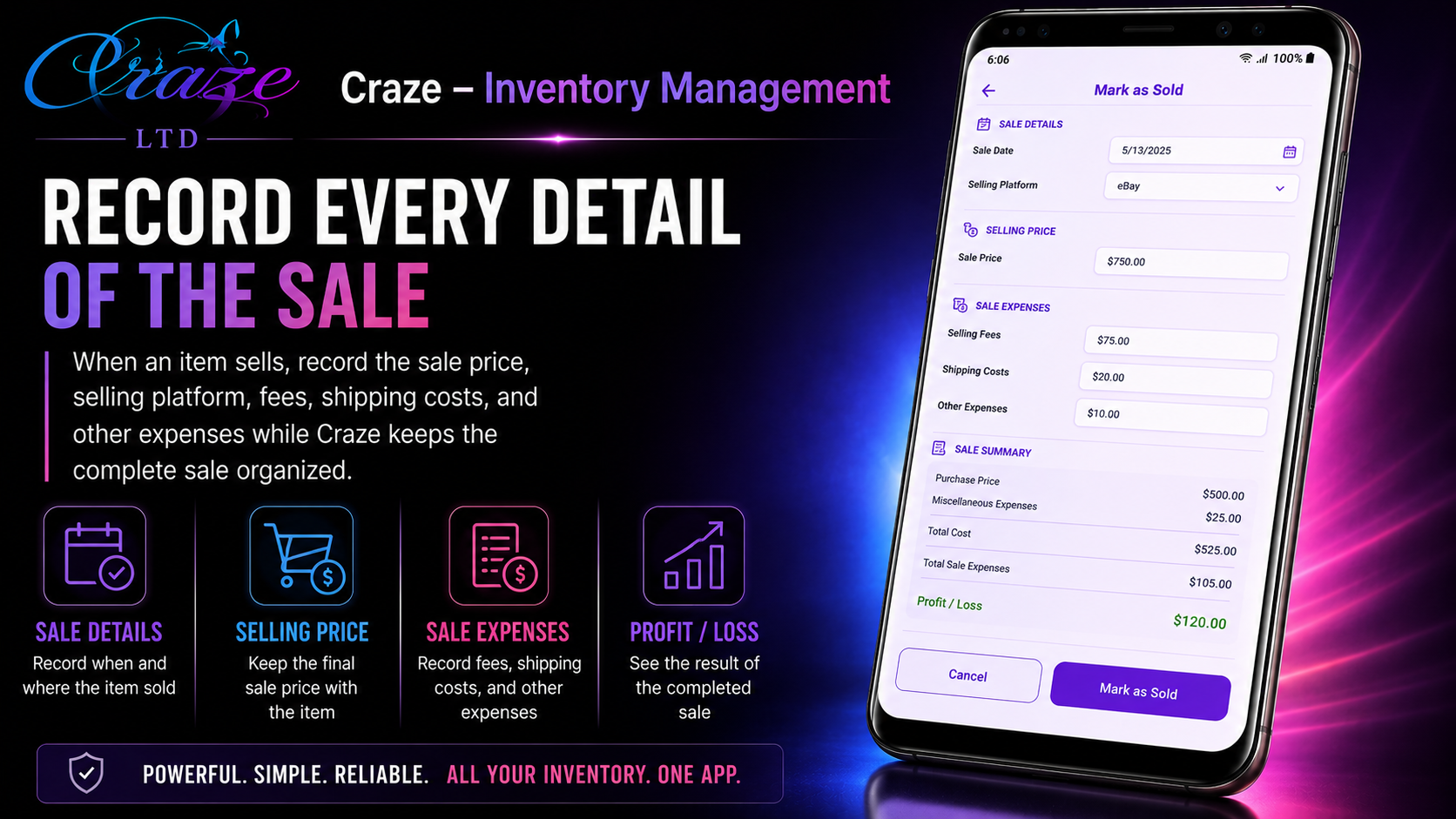
Record completed sales along with sale price, selling platform, fees, shipping costs, and other sale expenses.

Review

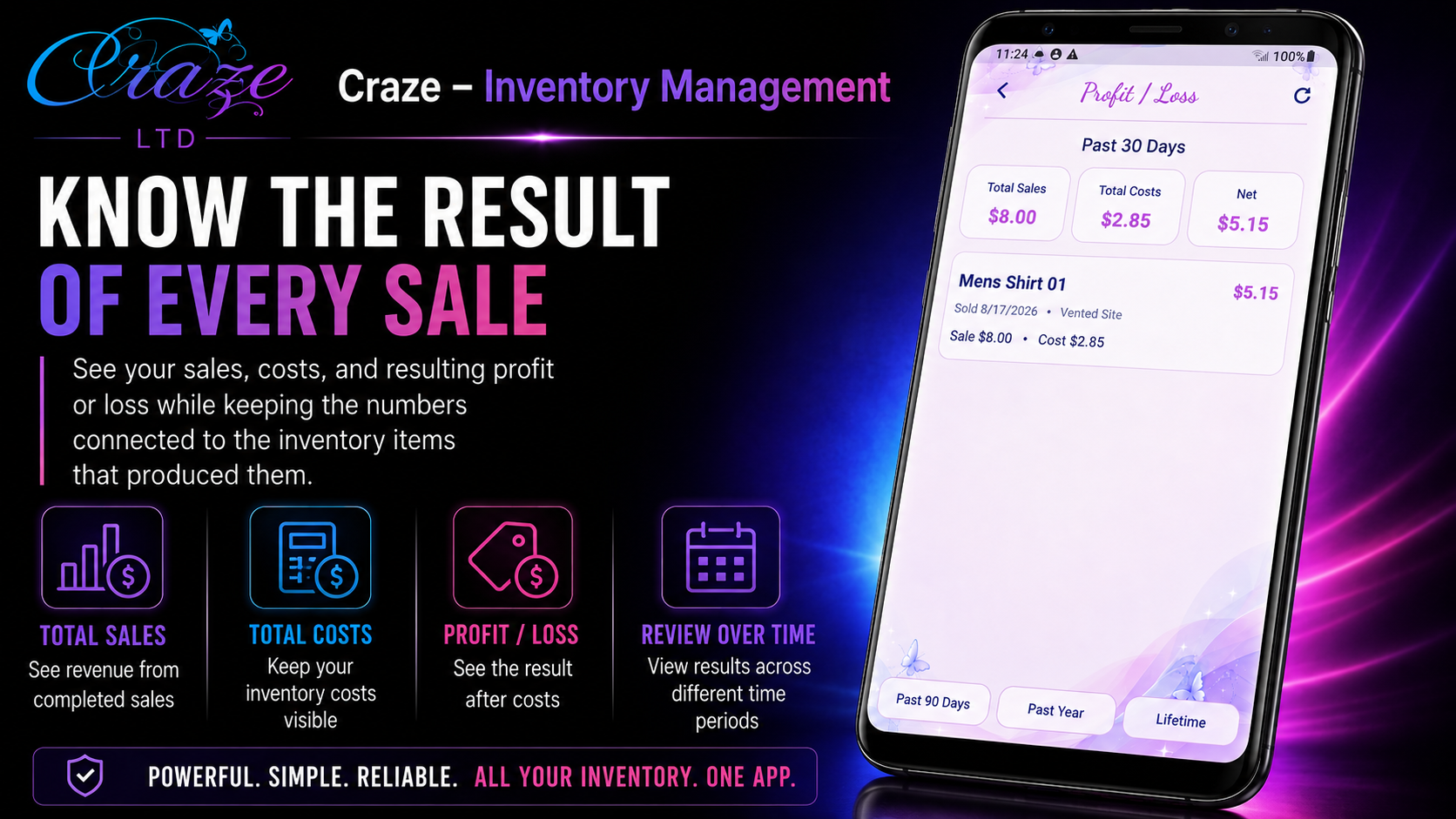
See total investment, sales, expenses, profitability, and overall profit or loss.

Protect

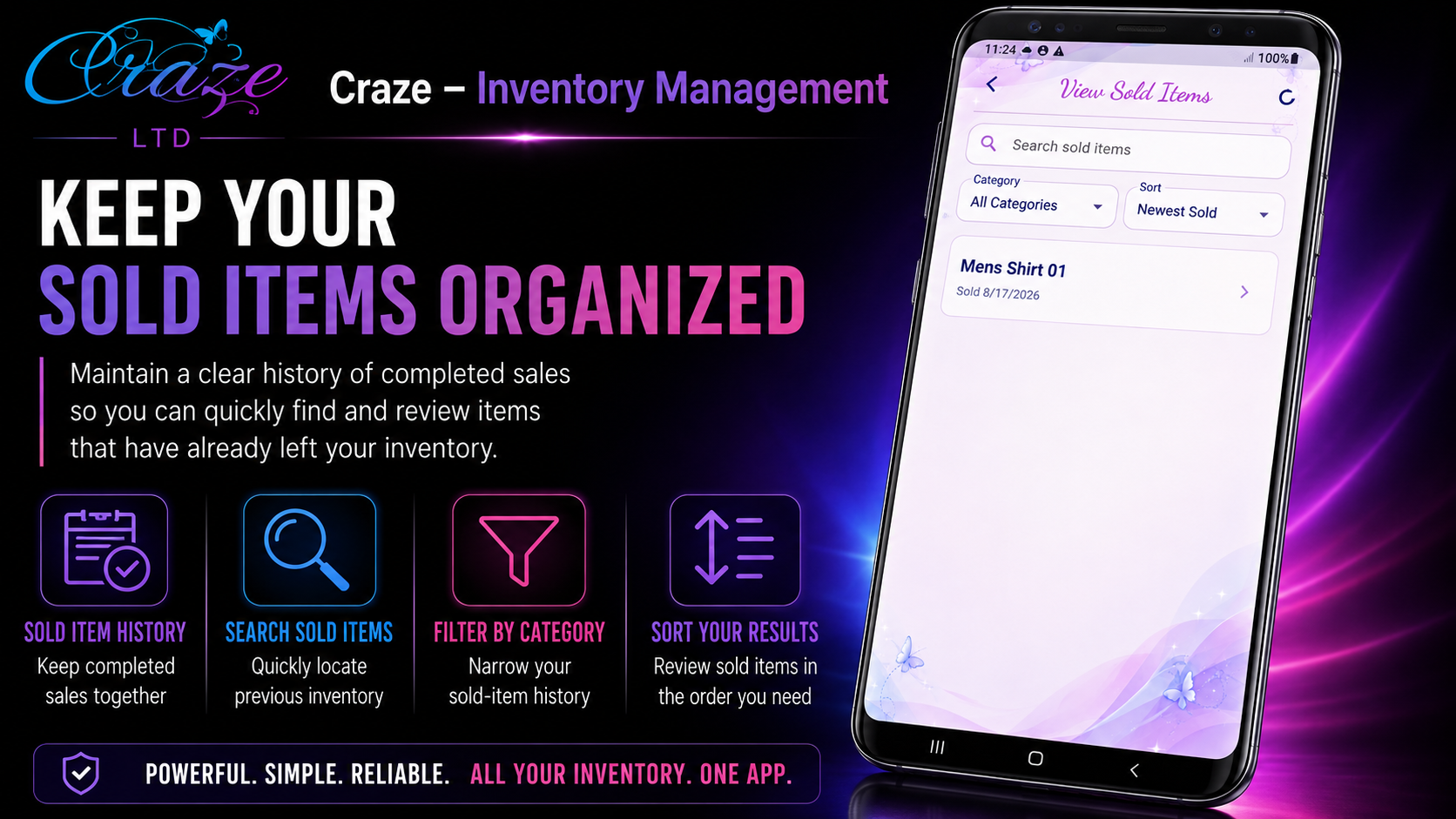
Use local backup and restore tools and recover recently deleted inventory when needed.

Craze – Inventory Management · Version 1.0.0

Install Craze – Inventory Management

Download the official Android release directly from Blackwood Designs, then follow the normal Android installation process.

Installing the APK

  1. Download the APK to your Android device.
  2. Open the downloaded file.
  3. If Android asks for permission to install apps from your browser or file manager, follow the device prompt to allow that installation.
  4. Complete the installation, then open Craze – Inventory Management.

Android security prompts can vary by device and Android version.